Translate · Adobe Illustrator Translate. In your artwork.
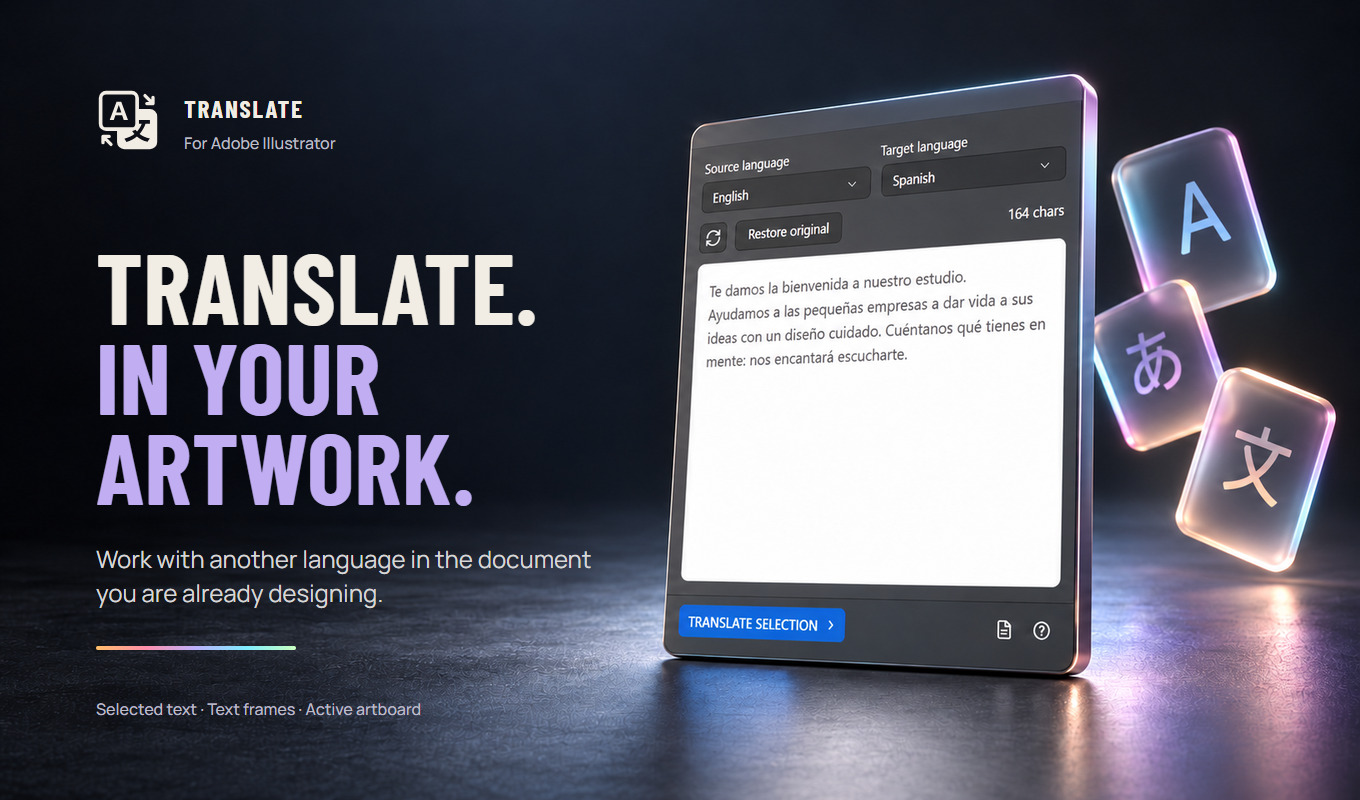
Translate selected text, text frames or a whole artboard in place in Adobe Illustrator. 45 languages, a glossary for brand terms and restore original.
Free trial of 5,000 characters per computer
Translate Pro Standard from $9 a month, Studio from $24 a month.
Translate · Current presentation
See the panel in your workflow.
View the other six slides
What it does
Translate, explained.
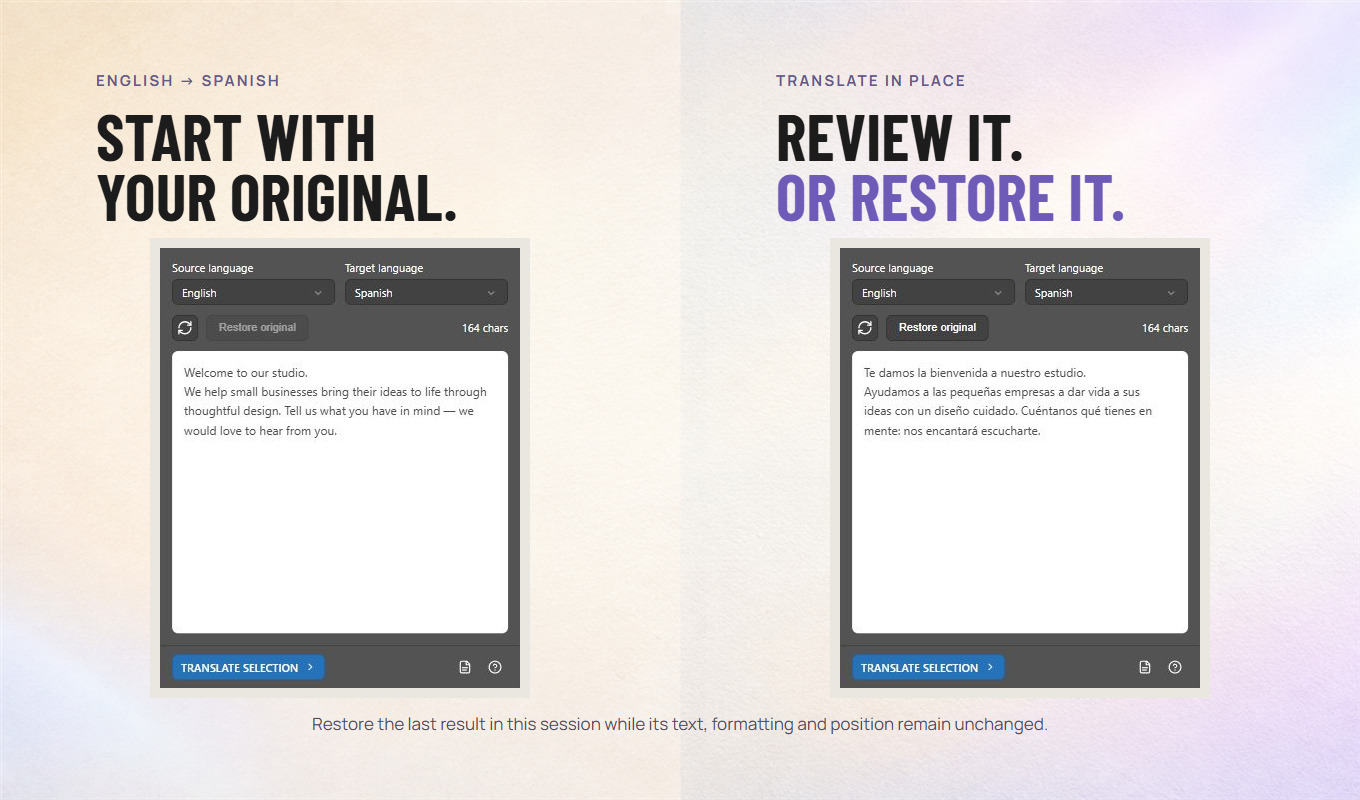
Translate is an Adobe Illustrator panel (plugin) that translates text where you design it. Select characters with the Type tool, select text frames, or select nothing to translate the active artboard; choose one of 45 languages and the translation replaces the text in place, keeping the frame. A glossary keeps brand names exactly as written and applies your own terms, and Restore original brings back the last result while it is unchanged. Translation runs in the cloud.
Who it is for
Designers who prepare packaging, labels, posters and layouts in more than one language and are tired of copying text into a separate translator and pasting it back.
The useful part of the workflow.
Choose what to translate
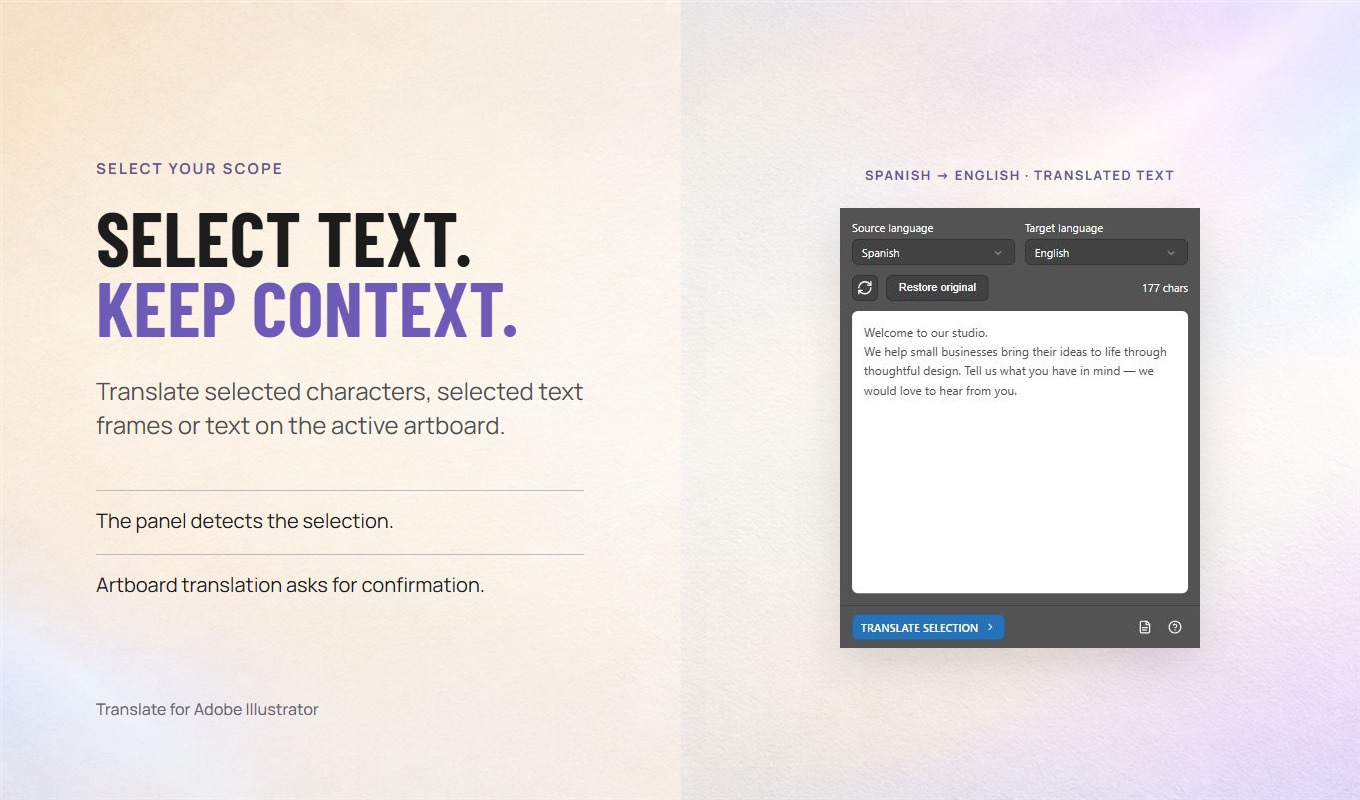
Selected characters, selected text frames, or the whole active artboard when nothing is selected. The panel shows what it found before anything is sent, and artboard translation asks you to confirm first.
45 languages
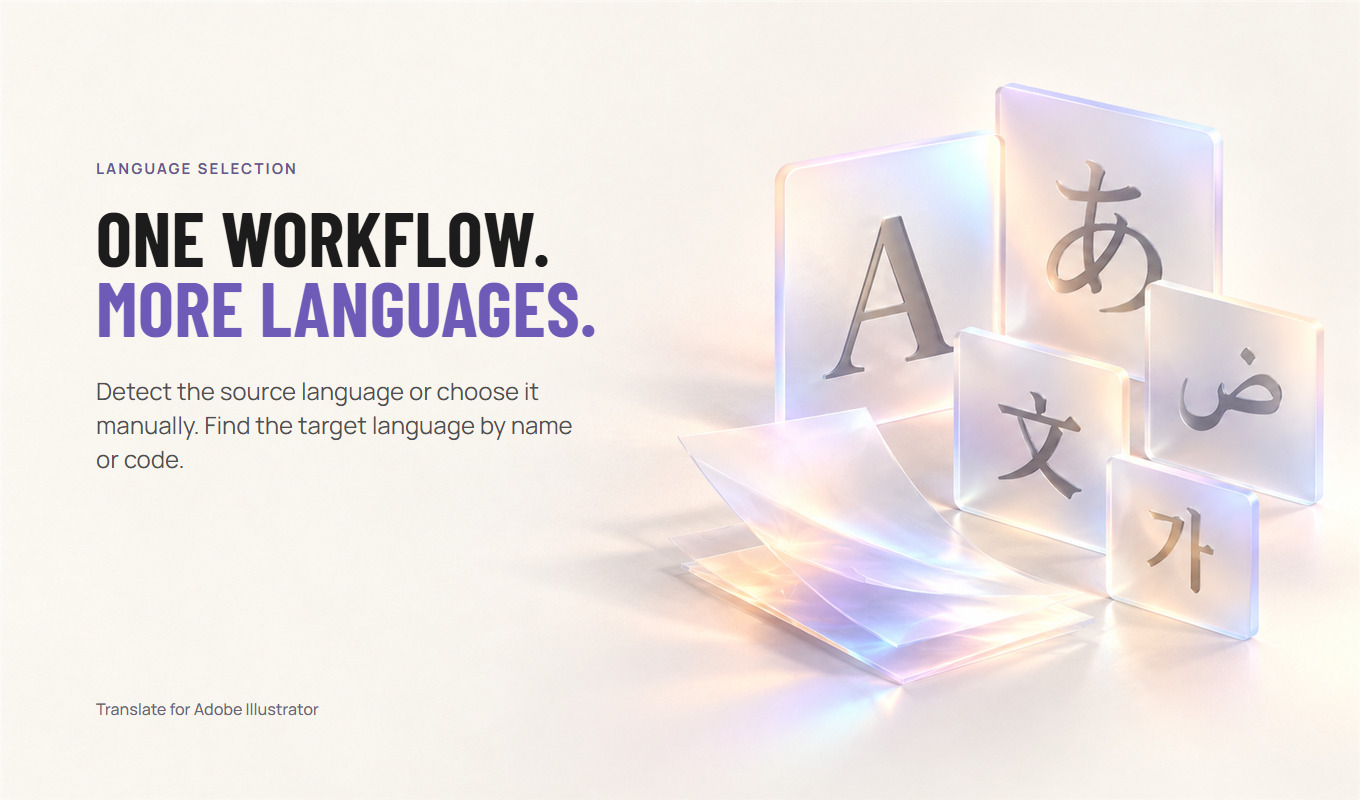
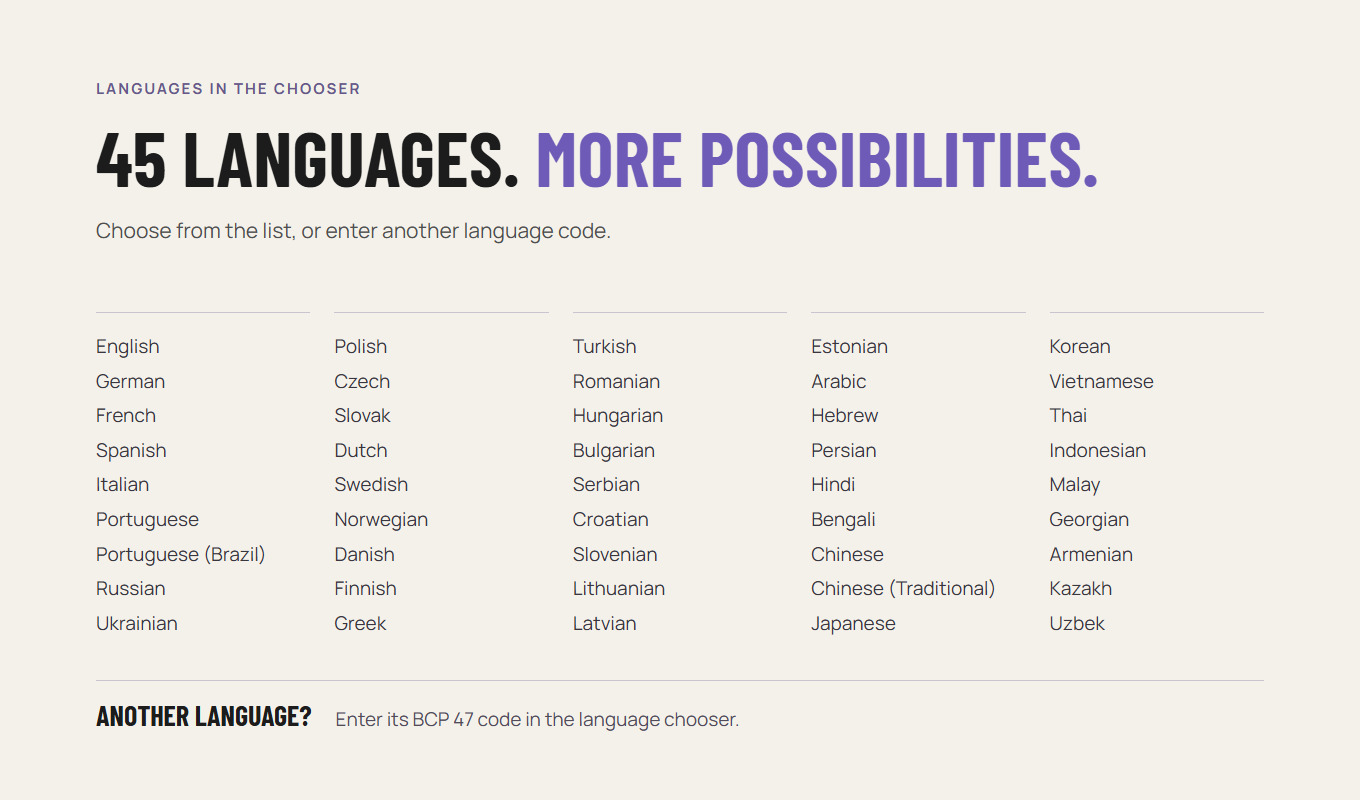
Detect the source language automatically or choose it. Pick the target from 45 built-in languages, including Brazilian Portuguese and Traditional Chinese, or enter another language code.
Keep your wording
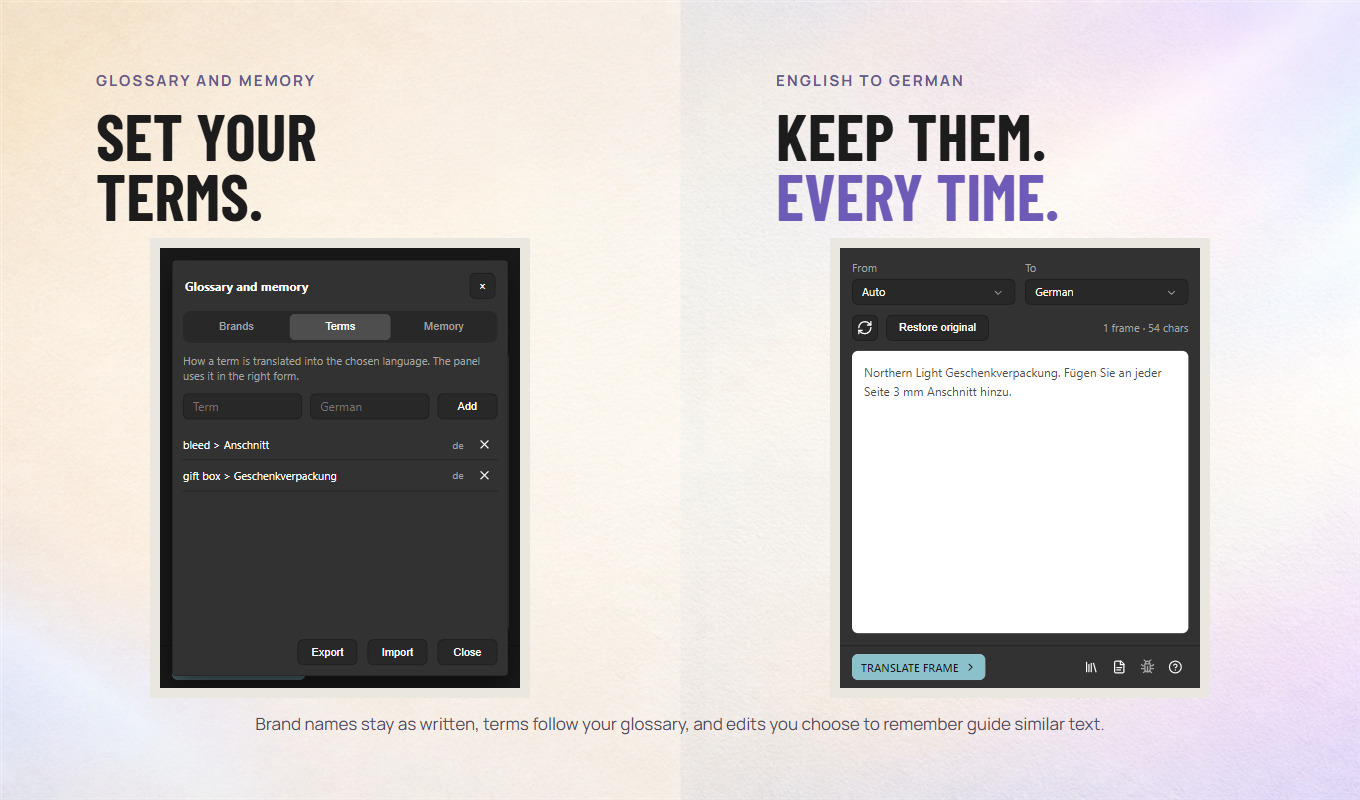
The glossary keeps brand names and product codes exactly as written. Add your own terms, such as bleed > Anschnitt. With your consent the panel remembers your corrections and uses them for similar text. Export and import the glossary as a file.
Review or restore
Check meaning, fonts and overset text after each translation. Restore original brings back the last result while its text and formatting are unchanged. The document is never saved automatically.
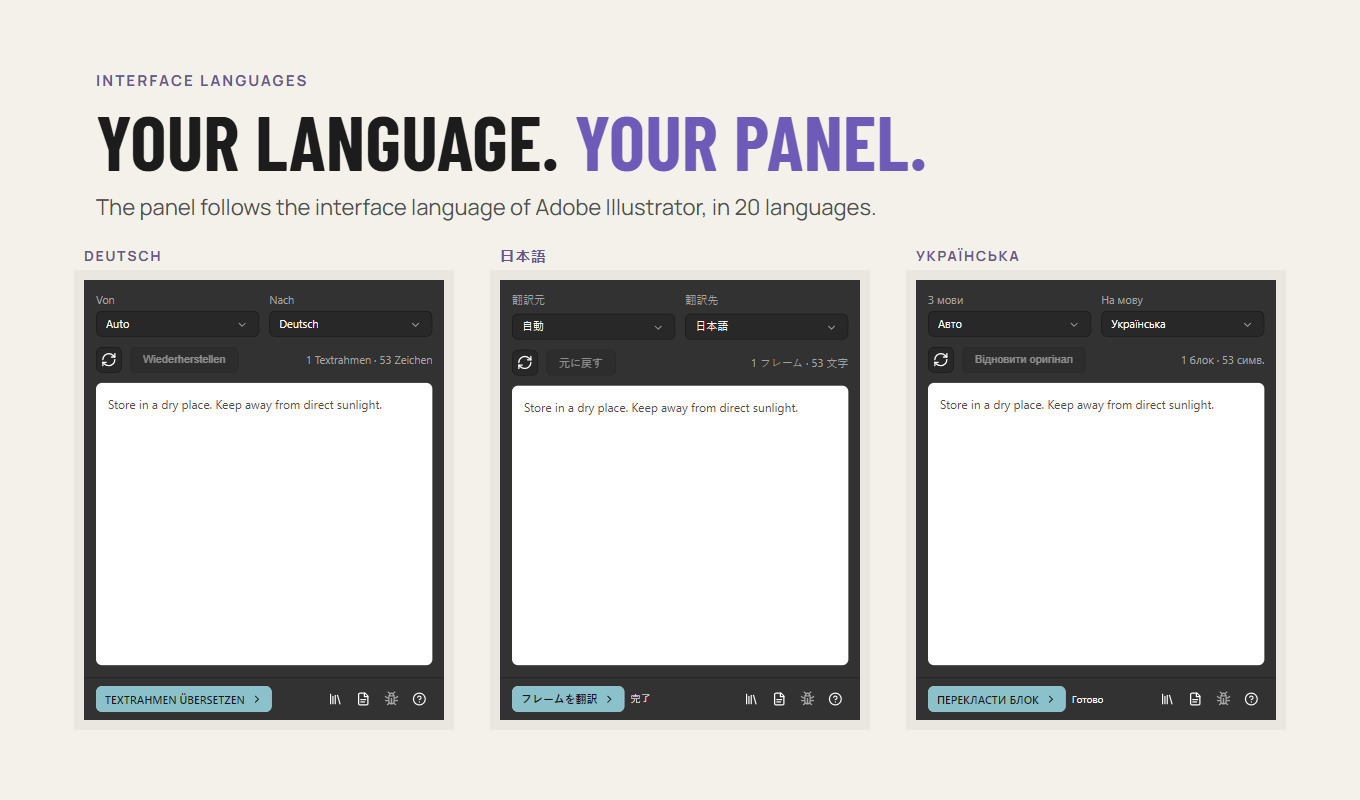
Your language
The panel interface follows the language of Adobe Illustrator in 20 languages.
From selection to translated text.
- Open a document in Adobe Illustrator and open Translate from Window > Extensions (Legacy), or Window > Extensions in older versions.
- Select characters with the Type tool or text frames with the Selection tool. Select nothing to translate the active artboard.
- Choose the target language, and the source language or Detect.
- Click Translate and confirm the first translation. Only the selected text lines are sent.
- Proofread the result in place: meaning, fonts and overset text. Use Restore original if you need the previous text back.
Know the limits
This is an early version for Adobe Illustrator 27.0 and later, tested on Windows. One run takes up to 20 text frames and 6,000 characters. Plain, unthreaded text with uniform formatting is supported; threaded text, complex mixed formatting, hidden or locked text are skipped and listed. Machine translation can be wrong: always proofread before print.
Pricing
Start free. Subscribe when it pays off.
Free trial
$0
5,000 characters per computer. No account and no card. Reinstalling the panel does not reset it.
Download freeStandard
$84 /year
Save 22% with annual billing
$9 /month
100,000 characters a month, about 17,000 words. For a designer translating labels, posters and layouts.
Studio
$228 /year
Save 21% with annual billing
$24 /month
500,000 characters a month, about 83,000 words. For studios and large packaging catalogues.
Prices in USD. Depending on your country, tax is included or added; Paddle shows the total before you pay. By subscribing you agree to the Terms and the Refund Policy.
How the subscription works
- One subscription belongs to your script-panel.com account. Sign in from the panel on as many of your computers as you need; they share the monthly allowance.
- Characters are counted in the source text, once for each target language. The allowance renews on the 1st of every month (UTC); unused characters do not carry over. To move between Standard and Studio, write to support@script-panel.com.
- After subscribing, open Help (?) > Subscription > Sign in in your panel. If your edition has no Subscription button, download Translate Pro from this site and sign in there.
- Paddle is the Merchant of Record: it takes the payment, handles tax and sends the receipt. Payment never happens inside the panel.
- Cancel any time in your account. Translation keeps working until the end of the period you paid for. The first payment can be refunded within 14 days.
- Without a subscription the glossary and Restore original keep working.
How your text is handled: Translate in the Privacy Policy.
Download
Install Translate Pro.
One download for Windows and macOS. It starts with the free trial; a subscription is connected inside the panel.
- Download Translate Pro below and unzip it.
- Close Adobe Illustrator. On Windows, double-click Install Translate Pro (Windows).bat; on macOS, right-click Install Translate Pro (macOS).command and choose Open. Both use Adobe’s own installer from Creative Cloud.
- Start Illustrator and open Window > Extensions (Legacy) > Translate Pro. The free trial starts right away.
- To use your subscription, open Help (?) > Subscription > Sign in, and confirm the panel on the website with the email you paid with.
Translate at a glance.
| Price | Free trial of 5,000 characters; Standard $9 a month or $84 a year (100,000 characters a month); Studio $24 a month or $228 a year (500,000 characters a month) |
|---|---|
| Where to get it | Download and subscribe on this site |
| Current version | Early version, released on this site |
| Works with | Adobe Illustrator 27.0 or later, Windows and macOS, an internet connection |
| Install | Installation guide |
| Updates | The panel shows a notice when a new version is out; download it from this site |
| Help | Support · All prices · support@script-panel.com |
Questions before you start.
Is my Illustrator file uploaded?
No. Only the selected text lines, the chosen languages and the glossary entries that occur in that text are sent to our translation server. The AI file, its path and the rest of the document stay on your computer. See the Translate section of the Privacy Policy.
Which translation service is used?
Our server on Cloudflare sends the text to a DeepSeek language model through OpenRouter; if that route fails, directly to DeepSeek or to Cloudflare Workers AI. Our server does not store the text or the translation.
What does the free trial include?
5,000 characters per computer, with no account. When the trial ends, you can subscribe on this page and sign in from your panel. If your panel has no Subscription button, download Translate Pro from this site.
How much does Translate Pro cost?
Standard is $9 a month or $84 a year with 100,000 characters a month. Studio is $24 a month or $228 a year with 500,000 characters a month. Depending on your country, tax is included or added at checkout. The allowance renews on the 1st (UTC). Cancel any time in your account; translation keeps working until the end of the paid period.
What happens when the monthly characters run out?
Translation pauses until the 1st of next month. The panel tells you how many characters are left before you translate, and the glossary and Restore original keep working.
Can I keep brand names untranslated?
Yes. Add them to Keep as is in the glossary. The panel tells the translation model to leave them unchanged and they stay exactly as written.
Does it work on macOS?
The panel and its installer support macOS, but the current version is tested on Windows. Write to support@script-panel.com if something does not work on your Mac.
Where is Translate available?
Download Translate Pro from this page and start with the free trial. A Free Trial edition is also being prepared for Adobe Exchange.
Put it to work.
Translate one text box with Illustrator’s built-in Rewrite, or many frames and whole artboards in place with a translation panel. Limits and checks.
Get the right panel from Adobe Exchange, let Creative Cloud install it and open it in Illustrator. Fix a missing panel without changing security settings.