 Script Panel
Production Batch Runner · Adobe Illustrator
One document.
Every delivery.
Export selected artboards or existing data sets to several formats — with names and settings prepared before the run.
Four output formats.PDFPNG24JPEGSVG
The work between the artwork and the handoff
Export setup
shouldn’t be
the whole job.
The same document. Another format. Another file name. Another round of settings.
Production Batch Runner brings those choices into one queue: select the units, define the delivery and run the outputs you need.
For production designers preparing repeated artboard and variable-data deliveries.

The setup
Several outputs.
One setup.
Prepare the delivery rules once, instead of configuring every export separately.
- 01 / Source
Choose the units.
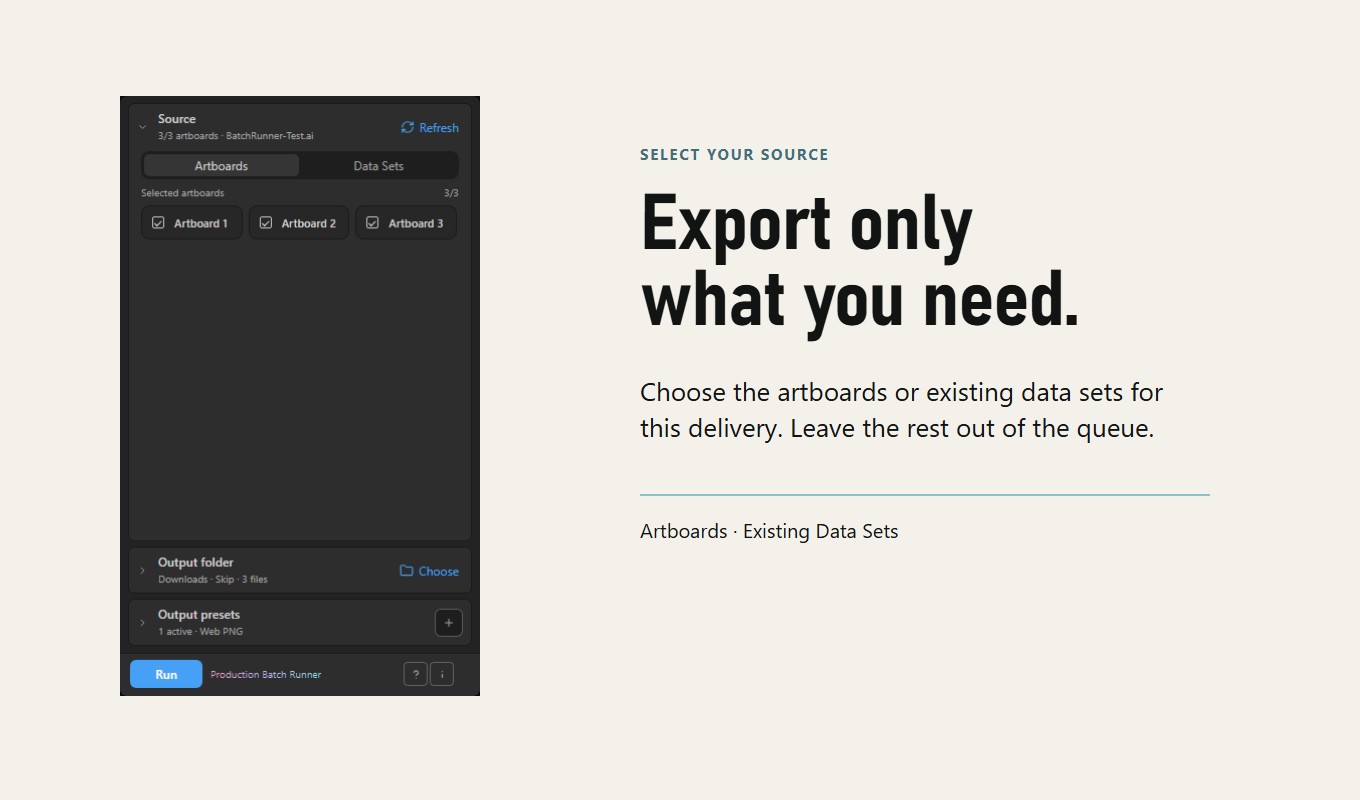
Artboards or existing Data Sets. Include only what belongs in this delivery.
- 02 / Output
Define the files.
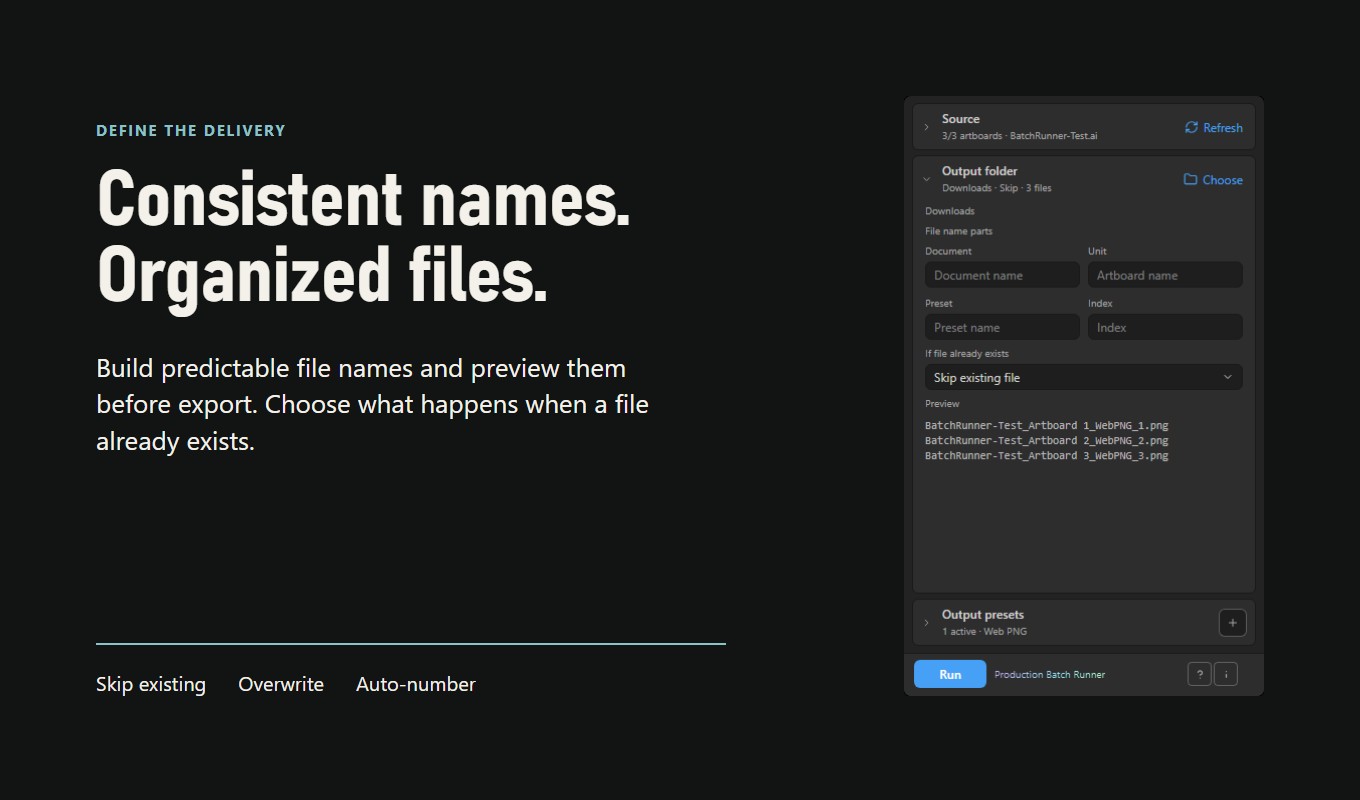
Folder, naming parts and a clear policy for files that already exist.
- 03 / Presets
Keep the settings.
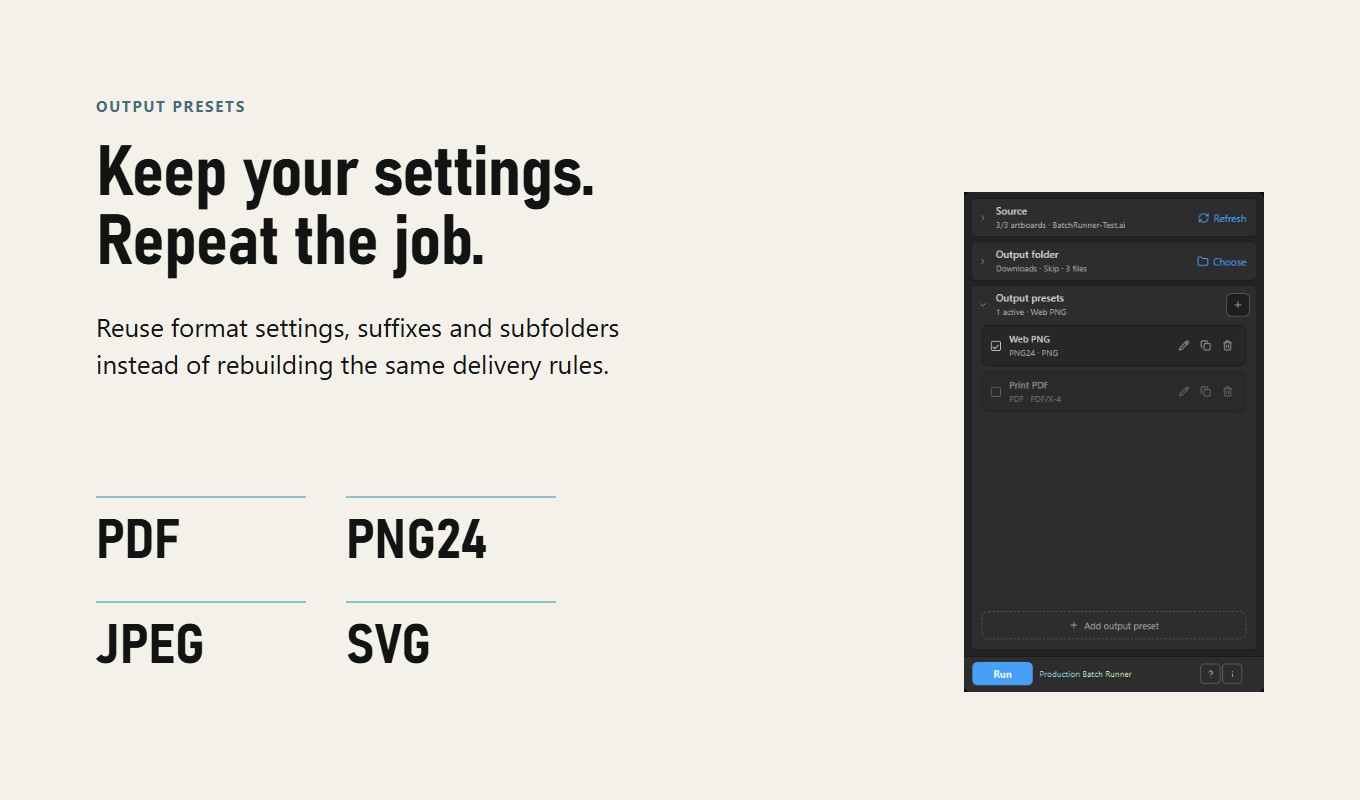
Format, suffix and subfolder in reusable output presets.
Selective export
Only the units
you need.
Choose the artboards or existing data sets for this job. Leave the rest out of the queue.
Work from the current saved Adobe Illustrator document. Refresh the source list when the document changes.
Read the batch-export guide →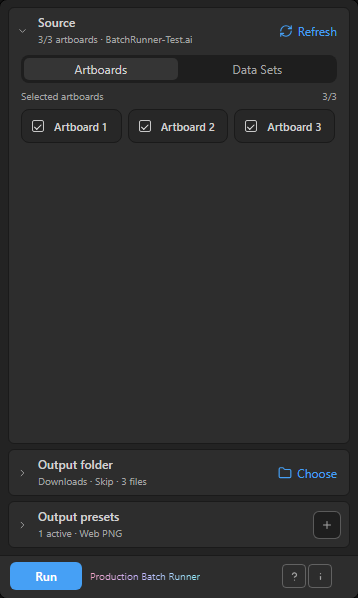
A delivery you can recognize
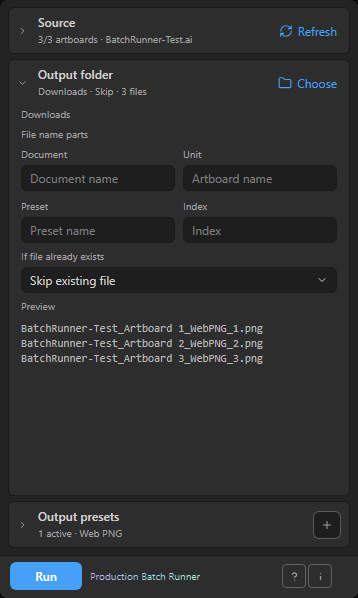
Clear names.
Predictable files.
Combine document, unit, preset and index naming parts. Check the preview before export.
Repeatable output
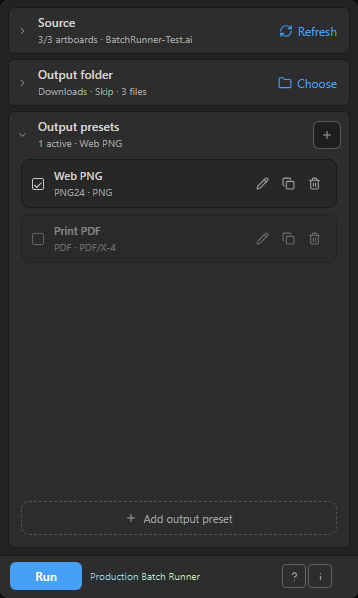
Your formats.
Your delivery rules.
Keep format settings, suffixes and subfolders in output presets. Reuse them on the next job.
Progress and recovery
Retry the failures.
Keep finished work.
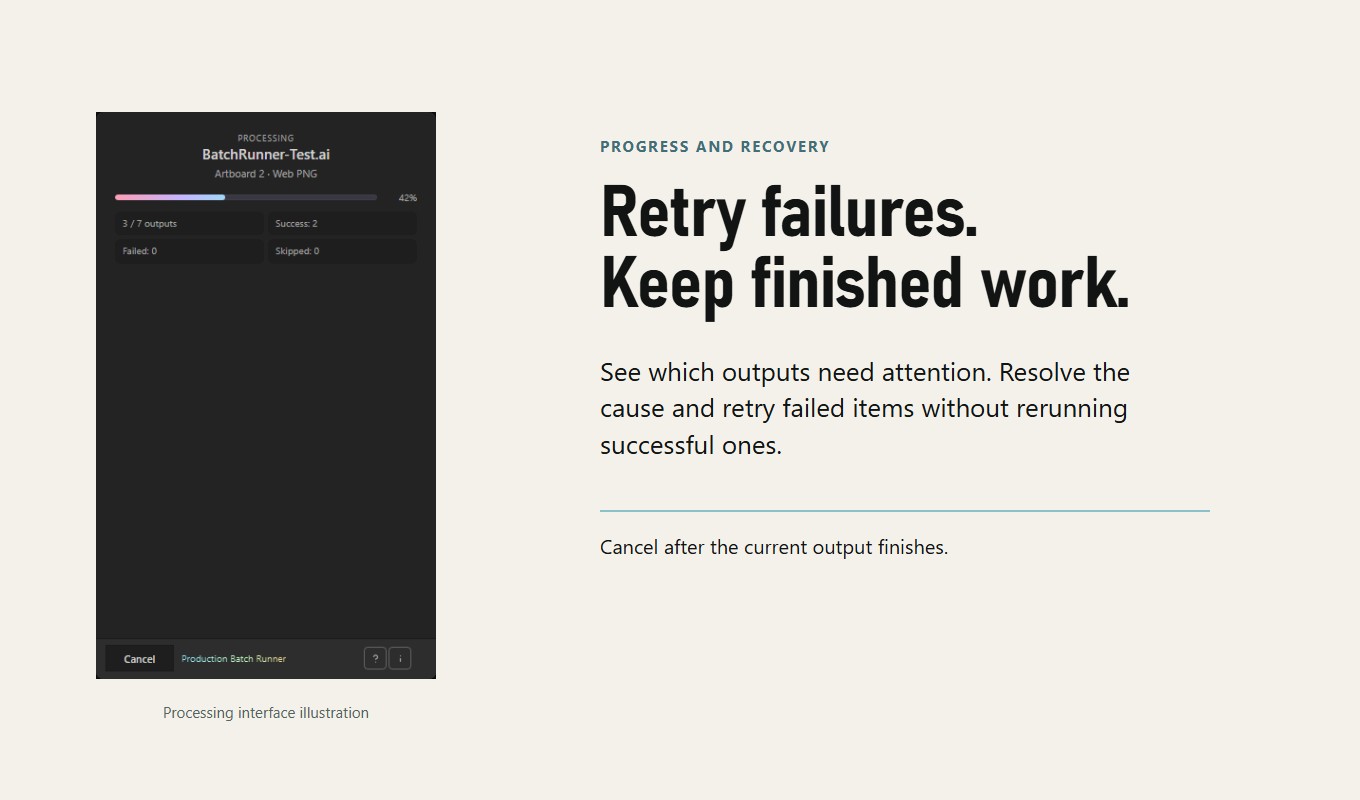
See which outputs need attention. Resolve the cause and retry failed items without rerunning successful ones.
See the run.
Follow queue progress and review success, skip and failure counts.
Stop at a safe boundary.
Cancellation waits for the current output to finish.
Check the delivery.
Run a small sample and inspect the actual files before production use.

Fits your workspace
From artwork
to delivery.
Your formats. Your file names.
One controlled local export queue.
Production Batch Runner
Build your next
export batch.
For Adobe Illustrator 21.0+ · Windows & macOS
$19 USD listed price
View on Adobe Exchange ↗Offer checked 12 October 2026. Adobe Exchange displayed EU unavailability. Acquisition depends on your region and the current listing status.
Before you install
A few useful
answers.
The current release is 0.1.1 beta. It exports from the current saved document, not a folder of source documents.
Installation guide →Which formats are supported?
PDF, PNG24, JPEG and SVG through configurable output presets.
Does it create variable-data sets from CSV?
No. Its Data Sets mode exports existing Adobe Illustrator data sets. Preparing variables and data sets is a separate task.
Can I stop an export immediately?
Cancellation is applied after the current output; it does not interrupt a synchronous export in progress.
Do I need Script Panel Pro?
No. Production Batch Runner is a separate panel and Adobe Exchange offer. After installation it needs no separate account, license key or online service for its local workflow.
The complete presentation
See the whole story.
All eight approved slides, with full-size views.
Production Batch Runner, in eight slides.
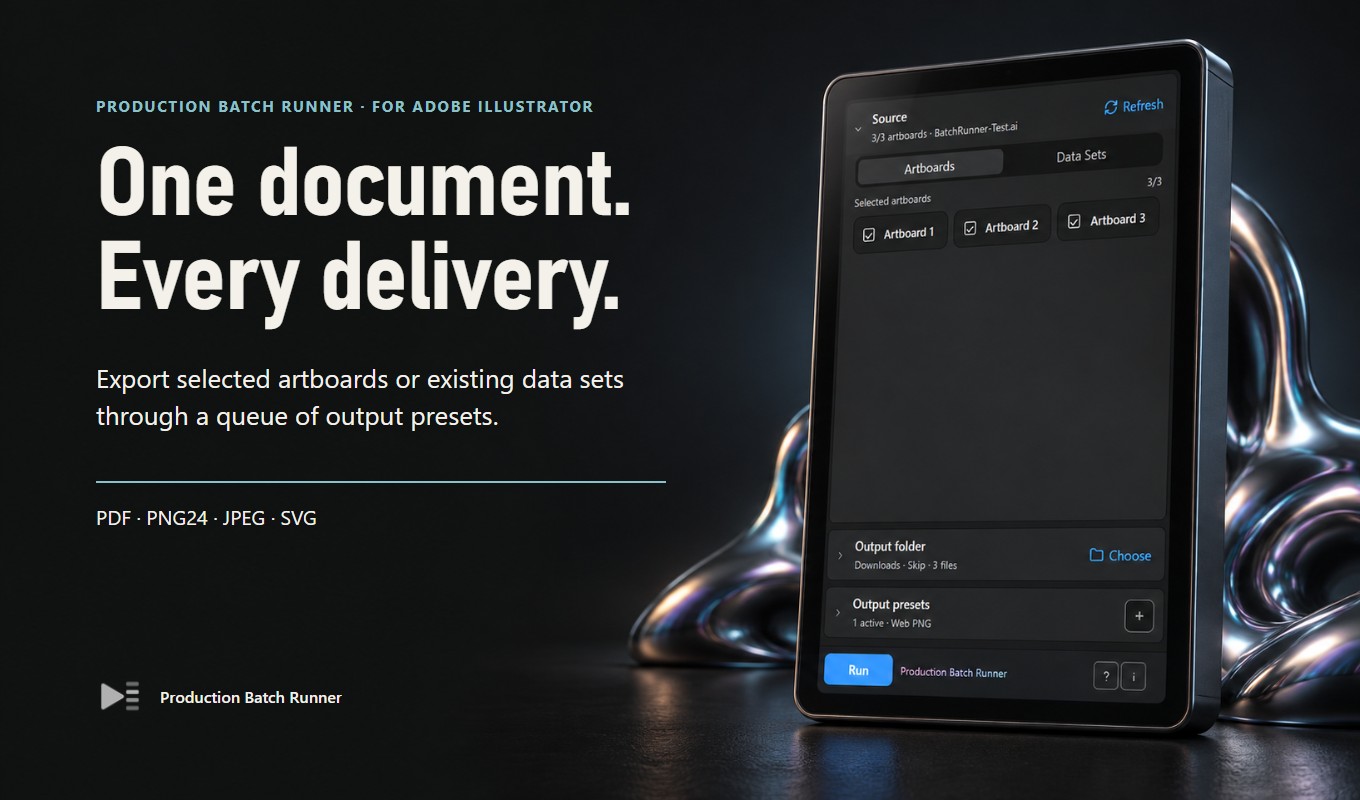



Product scenes are illustrative. Interface captures show the controls, not newly verified host exports. Abstract social symbols are decorative, not customer reviews or ratings.
Make the first run useful
Prepare the document.
Check the result.
The current panel is labeled beta. It works from the current saved .ai document, not a folder of arbitrary source documents. Data Sets mode uses data sets already present in that document; it is not a spreadsheet-import tool. Cancellation waits for the current output. Exported files still need visual and production checks.
Choose between native Export for Screens and a multi-preset export queue. Prepare artboards, review file names and verify PNG, JPEG, PDF and SVG outputs.
Plan document, artboard, preset and index naming parts in Production Batch Runner. Choose skip, overwrite or auto-number and inspect filename previews.
Acquire the correct Adobe Exchange panel, complete Creative Cloud installation and open it in Illustrator. Troubleshoot missing panels without changing security settings.